
QR menus
How to Update a QR Menu Without Reprinting the Code
A restaurant should be able to change prices, dishes, descriptions and layouts while the QR code already printed on tables keeps opening the same live menu.
aiMenuu Editorial Team · September 25, 2026 · 6 min read
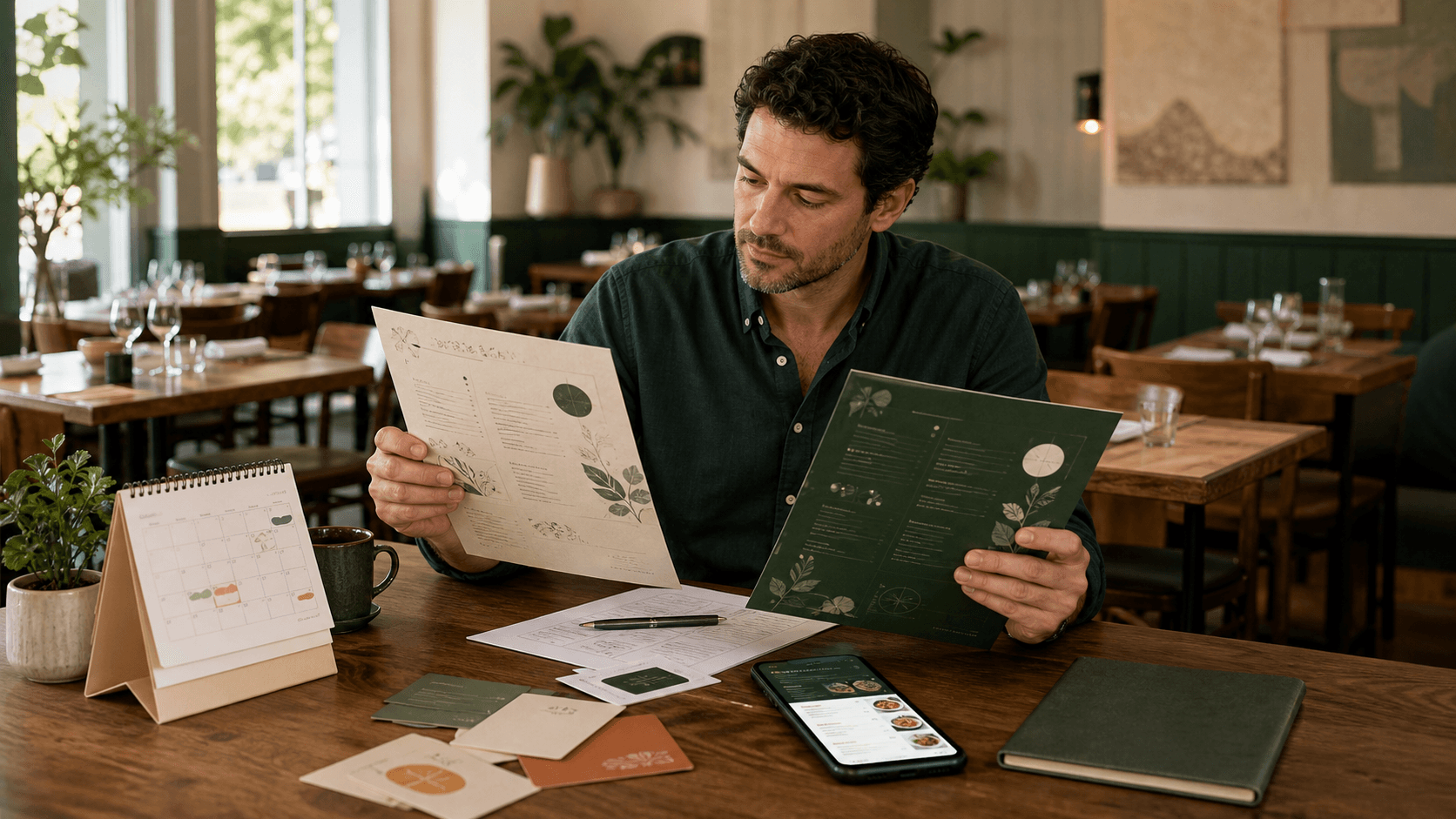
The key to a reusable QR menu is simple: print a code that points to one stable web address, then update the menu content at that address instead of changing the code itself.
The QR code and the menu are two different things
A QR code is only a machine-readable version of a destination. With an AI menu maker, the public menu can keep one stable address while its content changes. If the code contains https://aimenuu.com/menu/your-restaurant, every scan asks the phone to open that address. The dishes, prices, photographs and category order shown on the page can change without changing the address.
This is different from generating a new PDF file with a new URL every time the menu changes. If the destination changes, old table cards can become stale. A stable menu URL avoids that maintenance problem and lets a restaurant treat its QR code more like a permanent doorway than a disposable poster.

What you can update without changing the QR code
When the public menu address stays the same, routine changes should happen behind that address. Typical updates include:
- changing a dish price or description;
- adding or removing an item;
- marking an item unavailable;
- reordering categories;
- replacing a food photograph;
- switching to a more readable mobile layout; and
- correcting spelling, dietary notes or contact details.
The important rule is that the published menu keeps the same canonical URL. If your current system creates a different address for every revision, confirm whether it provides a permanent redirect before printing large quantities of QR materials.
A safe five-step update workflow
1. Edit the existing menu rather than creating a duplicate. Start from the current approved menu so you preserve the public destination and do not accidentally split guests between versions.
2. Change only the information that has been approved. Prices and allergen or dietary information deserve special care. AI can help extract or organize content, but the restaurant remains the source of truth.
3. Preview the complete menu on a phone. A price change can affect wrapping, a new category can make navigation crowded, and a larger image can slow the page. Review the real guest experience, not only the editor.
4. Publish to the same menu address. The new version replaces what visitors see at the established URL. The printed code remains untouched.
5. Scan an existing table card after publishing. This final check confirms the exact physical code guests already use still opens the updated menu.
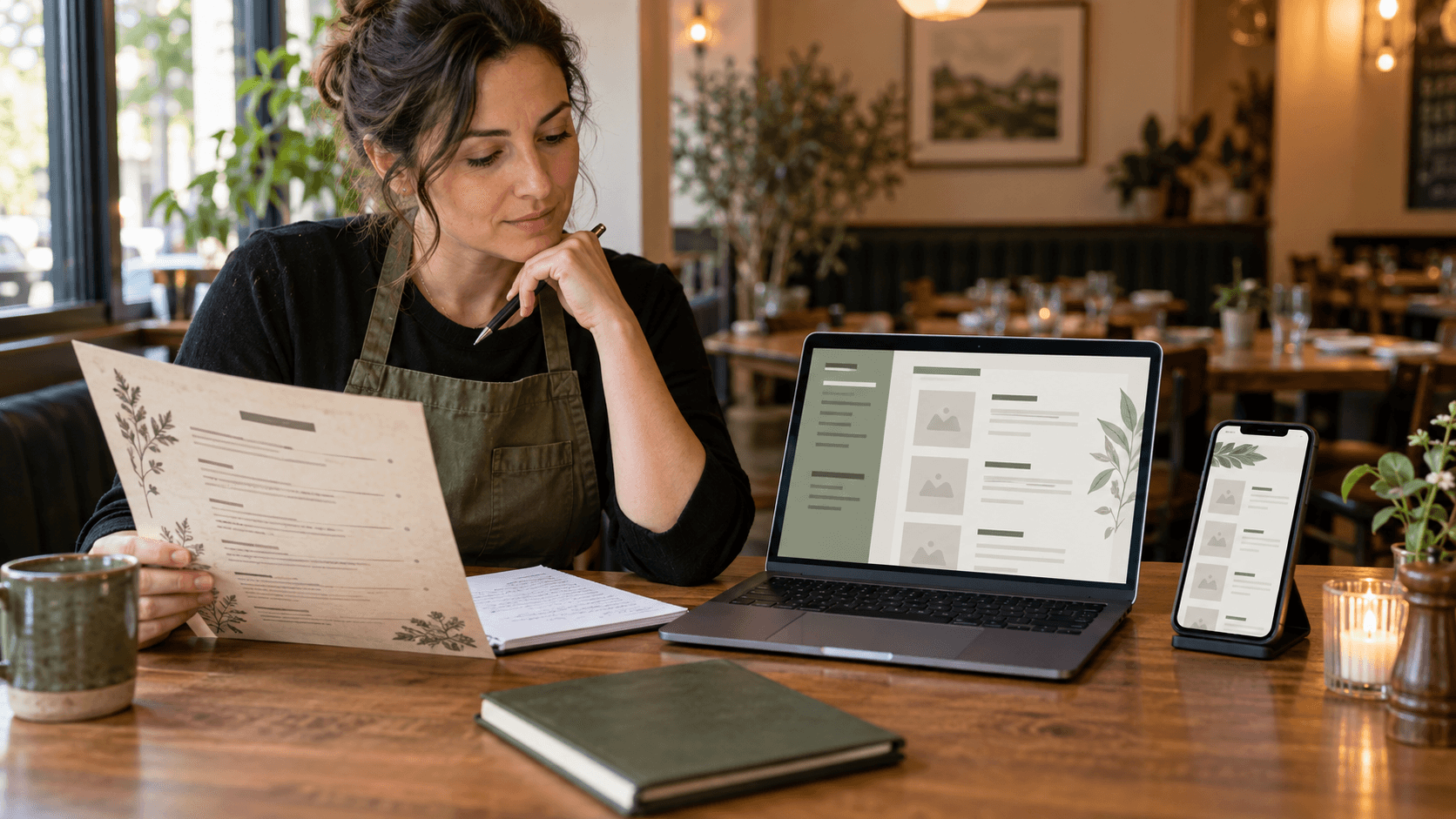
When you actually should replace the QR code
Reprinting is necessary when the destination itself must change and no reliable redirect can preserve the old address. You may also need a new physical code when the original print is damaged, too small, low contrast, distorted by a curved surface, or placed where glare makes scanning unreliable.
A menu content change by itself is not a good reason to reprint. That is one of the practical benefits of a hosted QR code menu: the physical sign can remain stable while the restaurant maintains the information digitally.
Keep a simple change log
Restaurants that update frequently benefit from a lightweight record: date, person approving the change, what changed and whether the live QR was tested. It does not need to become complicated software. A short record helps staff answer questions when a printed takeaway menu, delivery platform and mobile menu temporarily show different prices.
Schedule a quick review whenever prices or seasonal dishes change. Our guide on how often a restaurant should update its menu can help establish that routine.
What if your current menu is a PDF or photograph?
A restaurant does not need to keep a zoomable PDF as the final mobile experience. The source can be imported into structured menu content, reviewed, and published as a responsive page. See the workflows for converting a PDF menu to a mobile menu or turning a menu photo into an editable mobile menu.
The practical rule
Print the QR code for the stable destination, not for a temporary file. Maintain the restaurant's approved content behind that destination. Preview before publishing, then scan the physical code after every meaningful update.
With aiMenuu, a restaurant can import its existing menu, review editable categories and items, choose a mobile layout, publish the menu and use a QR code that continues pointing to that live destination as routine edits are made.