
Restaurant marketing
How to add your restaurant menu link to Instagram bio
Publish a mobile menu, add its link to your restaurant's Instagram profile, and test the complete path guests will use.
aiMenuu Editorial Team · September 1, 2026 · 10 min read
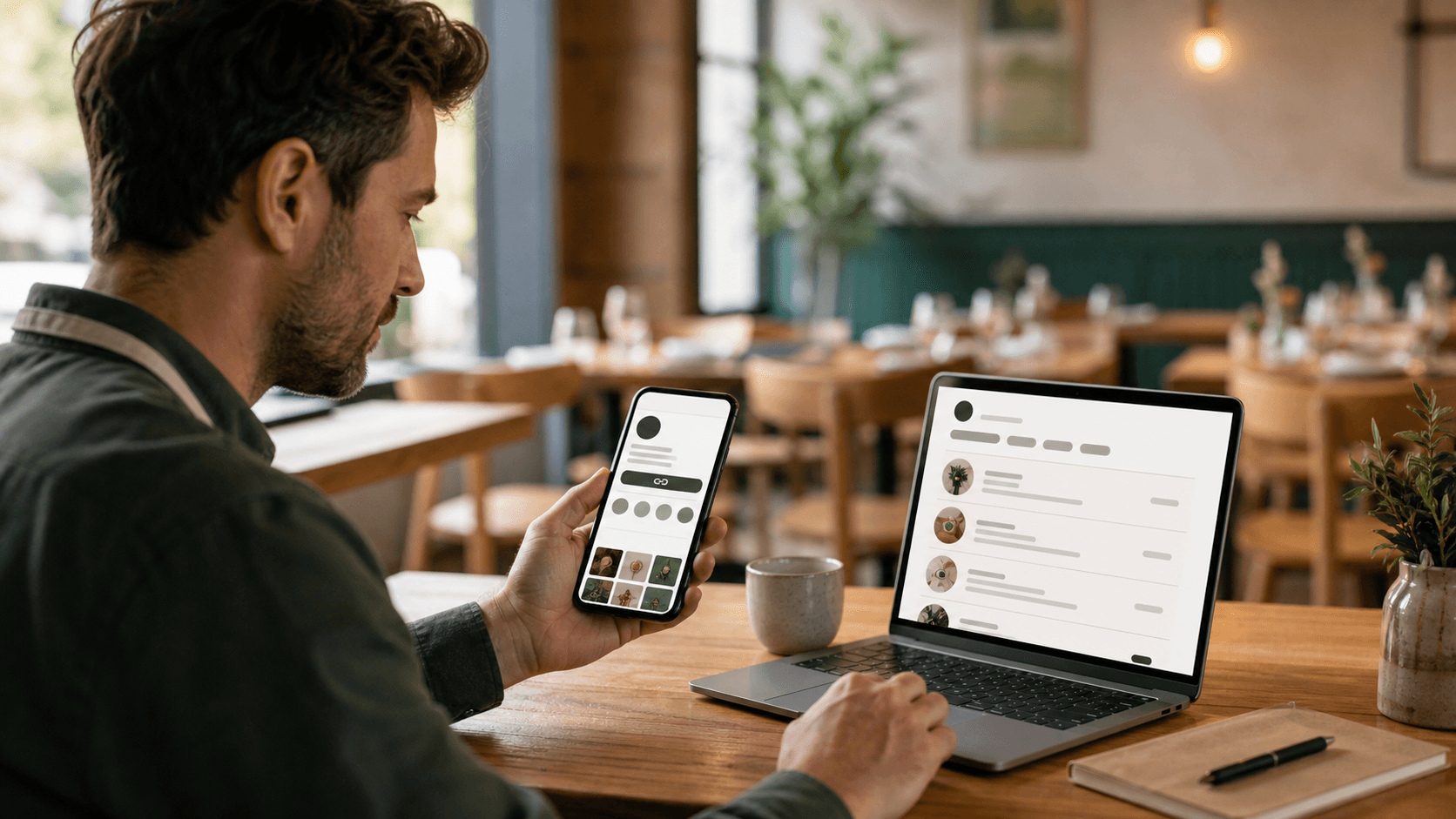
To add your restaurant menu link to Instagram, publish one mobile-friendly menu at a stable HTTPS address, open the restaurant's Instagram profile editor, add that address in the profile's links area, give it a clear label such as Menu, and save the profile. Then open the public profile from a different phone, tap the link, and confirm that the correct menu loads quickly without requiring a login, download, or pinch-to-zoom. The profile link is only useful when the destination is accurate, current, and easy to browse.
What is the best way to link a restaurant menu from Instagram?
The best path is short: restaurant profile, clearly labeled menu link, current mobile menu. Every extra decision creates another place for a guest to stop. If the restaurant mainly wants profile visitors to see dishes and prices, link directly to the canonical menu rather than to a home page that makes people search again.
Prepare the destination before editing the profile. The menu should show the restaurant name, complete categories, current item names, useful descriptions, and prices as readable page text. It should fit a phone without horizontal scrolling and should not ask the visitor to create an account. A social profile can create interest, but the menu page must finish the browsing task.
Do not publish a result based only on the owner view. The editor may work while signed in even when the public link is private, expired, or unavailable. Copy the final public address, open it in a private browser window, and confirm that an ordinary guest can reach the same page.
Does a restaurant need a business account to add a menu link?
Profile features and labels can change by account type, region, device, and app version. Use the account's current profile editor and look for the website or links control rather than relying on an old screenshot. The essential requirement is that the restaurant controls the profile and can add a public HTTPS destination; do not switch account types solely because a dated tutorial shows different button names.
Publish the mobile menu before editing the profile
Start from the restaurant's approved source menu. Import the current PDF or menu photos, then compare every extracted category, dish, description, and price with that source. AI can reduce retyping, but the owner remains responsible for the published facts. Resolve uncertain prices, outdated seasonal items, duplicate dishes, and spelling differences before sharing the page.
Choose a layout with the complete content in place. A menu template should keep long names, price formats, and category navigation clear at ordinary phone widths. Use the restaurant's logo and photographs only when the team owns or has permission to use them, and make sure the restaurant name remains real text even when it also appears in a logo.
Preview the page, proof it, and publish it to one stable URL. aiMenuu is designed for this import-to-publish workflow: an owner reviews the structured draft, styles a browse-only mobile menu, publishes it, and can use the same destination for social profiles and the restaurant's permanent QR code. It does not turn the Instagram profile into an ordering or payment system.
Choose the correct restaurant menu URL
Use the canonical public menu address—the URL a guest should keep using after the restaurant updates dishes or prices. A stable link lets the owner edit and republish without replacing the Instagram destination each time. It also prevents old posts, saved messages, website buttons, and printed materials from pointing to different versions of the menu.
Avoid dashboard URLs, editor routes, unpublished previews, file-storage addresses, and links copied while authenticated. Those destinations may expose controls, require a login, expire, or stop working after a deployment. Also avoid a generic home page when the post or bio explicitly promises the menu. Match the link destination to the words that invite the tap.
Keep the URL clean enough to recognize. A short restaurant-specific address is easier for staff to compare and less alarming than a long string of tracking parameters. If analytics parameters are necessary for a campaign, test the complete tagged address and preserve the canonical page metadata on the destination.
Should Instagram link to a PDF menu?
A PDF can preserve a printed layout, but it is usually a weaker destination for phone visitors because text may be tiny, navigation depends on zooming, and an updated file can be confused with an older download. Use the PDF as an import source, then publish its information as a responsive mobile page. Keep a PDF link only when the document itself is the required artifact and it remains accessible and current.
Add the menu link to the restaurant's Instagram profile
Open the restaurant's profile in the Instagram app or current supported web experience and choose the profile-editing control. Find the area for external links or a website, add the complete HTTPS menu address, and enter a short destination label when the interface offers one. Save the change, return to the public profile, and verify that the link appears where a visitor can recognize it.
Interface wording changes over time, so treat any sequence of button names as a guide rather than a permanent rule. The durable steps are edit profile, add external destination, save, and test from the public view. If the expected control is missing, update the app, confirm that the correct restaurant profile is active, and consult Instagram's current help inside the product before changing unrelated account settings.
Do not paste the menu URL into the biography text and assume it will behave like the dedicated link field. Use the profile's actual link control so the destination is presented as an interactive link. Keep the surrounding biography concise enough that the menu action is not buried beneath several promotions or ambiguous calls to action.
Use a direct menu link or a small link hub intentionally
Choose a direct link when most profile visitors need the menu. This is often the strongest option for a restaurant whose posts show dishes, seasonal changes, or dining-room updates. The guest taps once and reaches the promised page without having to interpret another screen of buttons.
A link hub can make sense when the profile must support several equally important tasks, such as the current menu, location information, an events page, a press feature, or a separate official reservation provider. Keep the list short, put the menu first when food content drives the visit, and remove expired campaigns. A free link in bio tool can provide that small routing page, but it should not replace the restaurant's canonical mobile menu or imply features the menu builder does not provide.
Do not add a hub simply because other accounts use one. Each extra page can slow the path and split attention. Compare the restaurant's actual priorities: if nearly every post tells guests to see the menu, a direct menu URL is clearer; if the profile regularly serves several distinct audiences, a maintained hub may be reasonable.
How many links should a restaurant profile promote?
Promote the fewest destinations that cover the restaurant's current guest tasks. There is no useful target based on how many links the platform technically permits. One clear menu link can outperform a cluttered list in usability terms, while a short hub may be necessary for a restaurant with events or multiple locations. Review the list from a first-time guest's perspective and remove anything stale, duplicated, or internal.
Write a clear label and bio call to action
Use a label that names the destination: Menu, View our menu, or Current menu. Avoid vague labels such as Learn more when the visitor is trying to check dishes and prices. Do not describe the page as ordering, booking, delivery, or another service unless that separate destination genuinely provides it.
The biography can support the link with one plain line, such as View our current menu below. If service times or menu availability change frequently, keep those facts on a maintained source rather than squeezing temporary details into the profile. A concise promise is easier for staff to verify and less likely to contradict the linked menu.
Match the wording used in posts, stories, and staff replies. If one caption says Full menu in bio while another says Order from our bio, guests will form different expectations. Consistent language reduces confusion and helps the restaurant distinguish the browse-only menu from any separate third-party service.
Test the complete path as a guest
Use a phone that is not signed into the menu editor. Open the public Instagram profile, tap the menu link, and check the restaurant name, current categories, first visible dishes, prices, images, and navigation. Repeat the test on Wi-Fi and mobile data. A link that technically opens but takes too long, shows a blank preview, or requires zooming has not passed.
Test common accessibility conditions. Increase text size, use screen-reader navigation if the team can, check color contrast in bright surroundings, and confirm that category controls have understandable labels and comfortable tap areas. Images should support the content rather than contain the only copy of dish names or prices.
Ask someone unfamiliar with the setup to find a specific category, compare two dishes, and identify a price. Do not coach them. Their hesitation will reveal whether the problem is the profile label, the destination, or the menu itself. Finish with the mobile menu proofreading guide before announcing the link broadly.
Connect posts and stories to the same menu destination
When a post introduces a real menu update, end the caption with a truthful next step such as View the current menu through the link in our bio. Show one or two representative dishes rather than reproducing the entire menu in image slides. The linked page should remain the maintained source for categories, descriptions, and prices.
Story link features can offer a more direct path for time-sensitive content when they are available to the account. Point them to the same canonical menu unless the story concerns a distinct, legitimate destination. Check the sticker or link after publishing, and remove archived promotional content when it makes an expired offer appear current.
Keep photographs and claims accurate. Use images of food the restaurant actually serves, describe changes plainly, and avoid unsupported phrases such as best-selling or most popular unless the restaurant has reliable evidence. Helpful restaurant marketing makes the next step obvious without manufacturing urgency.
Measure menu visits without confusing clicks with results
A profile-link tap shows interest, not a completed signup, menu import, publication, visit, or purchase. Track each stage separately when the necessary tools and consent are in place. For the restaurant, useful questions include whether people reached the menu, whether the page loaded successfully, which public source sent the visit, and whether recurring guest questions declined after the menu became easier to find.
Use consistent campaign tags only when they serve a real measurement plan. A simple source label for the Instagram profile can distinguish those visits from QR scans or website referrals, but the tagged URL must still open the canonical menu correctly. Do not expose customer-sensitive information, embed personal identifiers, or add so many parameters that staff cannot verify the destination.
Interpret small samples carefully. A week with more profile visits may reflect a new post, holiday, press mention, or paid promotion rather than the menu link itself. Compare like periods, note operational changes, and avoid claiming conversion improvement without approved analytics evidence that connects the relevant stages.
What should a restaurant track first?
Start with destination health: the link works, the public page loads, and the menu is current. Then record menu visits by source if the platform supports privacy-conscious measurement. Add deeper business outcomes only when the restaurant has a reliable, lawful way to connect them. A smaller trustworthy dataset is more useful than a dashboard full of ambiguous numbers.
Keep the Instagram menu link current
Assign one owner for the public menu and profile destination. When prices, availability, categories, or service details change, update the structured menu, review the affected lines, and republish to the same address. The profile link should not need replacement for routine content changes.
Add the Instagram path to the restaurant's regular menu review. Tap it monthly and after any change to the publishing system, domain, restaurant name, or public URL. Also check older posts whose captions direct people to the bio. A working destination can still be misleading if it contains last season's menu.
If the restaurant changes its canonical menu address, inventory every place that uses the old one before making the switch: Instagram, other social profiles, the website, map listings, email signatures, printed QR materials, and saved campaign drafts. Prefer a permanent redirect when the platform supports a durable migration, then verify the final destination.
Avoid common restaurant Instagram menu-link mistakes
Do not link to a screenshot of the menu, an image-only gallery, or a drive folder containing several files. Those destinations force guests to guess which version is current and often make text difficult to read. Publish one accessible page with the approved menu content in a predictable order.
Do not let a promotion displace the menu indefinitely. Temporary campaigns end, while guests continue to look for current dishes and prices. If a campaign must take the primary position, set an owner and removal date, and make sure the menu remains easy to reach through the same profile.
Do not assume a successful save means the public path works. Wrong profiles, missing HTTPS prefixes, copied editor URLs, regional redirects, and stale app caches can all hide problems. The only reliable completion check is a fresh visit from the public profile through to the final menu page.
Restaurant Instagram menu-link checklist
Before adding the link, confirm that the source menu is approved, all prices and descriptions are current, the public page works while signed out, and the canonical URL will remain stable. Check the mobile layout with the longest category and item names, verify image rights, and open the live aiMenuu mobile menu example to understand the intended browse-only destination.
In Instagram, confirm that the correct restaurant profile is active, add the HTTPS address through the profile's link control, use a plain menu label, save it, and view the public profile. Test the link on another phone and connection, then ask a first-time visitor to find real dishes without help. Record who owns future checks.
When the restaurant is ready, import your current menu into the aiMenuu mobile menu builder, review the extracted draft against the source, choose a clear layout, and publish it. Then use the restaurant QR code menu guide to connect the same durable destination to tables and takeaway materials. One reviewed mobile menu can become the reliable source behind both the profile link and the restaurant's permanent QR access.