Menu software comparisons
aiMenuu vs Canva Menu Maker: Which Restaurant Workflow Fits?
Compare aiMenuu and Canva Menu Maker by source import, structured editing, mobile publishing, print design, QR use, approvals and ongoing updates.
aiMenuu Editorial Team · October 12, 2026 · 9 min read
Quick answer
Choose aiMenuu when the restaurant needs to turn an existing PDF or menu photographs into editable, structured content and publish a mobile menu. Choose Canva when the main job is designing a visually polished printable menu or other coordinated marketing material from templates.
An AI menu maker can reduce manual retyping, while a general design platform can provide broader layout freedom. Neither tool verifies recipes, prices, allergens, availability or legal wording. The restaurant remains the source of truth.
The products begin with different source material
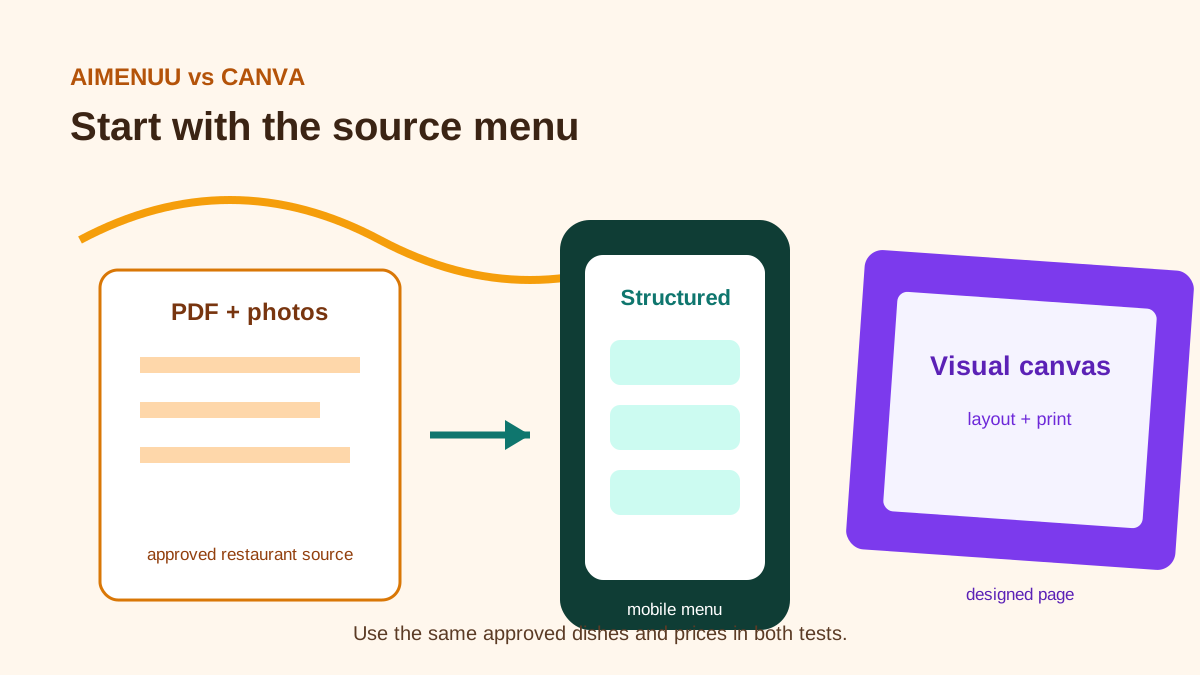
aiMenuu is designed around menu content that already exists. A restaurant can start from a PDF or menu photographs, extract the information into editable fields, review it and publish a mobile-friendly menu. Extraction should be treated as a draft: digits, currency, category relationships and descriptions still need approval.
Canva's current restaurant menu maker emphasizes drag-and-drop design, templates, stock photography, AI-assisted content and collaborative editing. Its official page describes downloading a print-ready PDF and sharing the finished design. That is a strong fit when the primary output is a designed page rather than a structured mobile catalogue.
Test the same difficult source in both workflows. Include long dish names, price variants, modifiers, accented characters, an intentionally unavailable item and a category that continues onto another page. Record correction time and error types.
Structured content or visual canvas
A structured menu stores a dish as data: name, description, price, category and image. That makes mobile navigation and later content updates easier to reason about. It also limits the temptation to solve an information problem with decorative layout.
A visual canvas gives the designer more control over exact placement, typography, imagery and print composition. That flexibility is valuable for a one-page café menu, tasting card, table insert or seasonal poster. It can become harder to maintain when many dishes, sizes and modifiers must stay aligned across several pages.
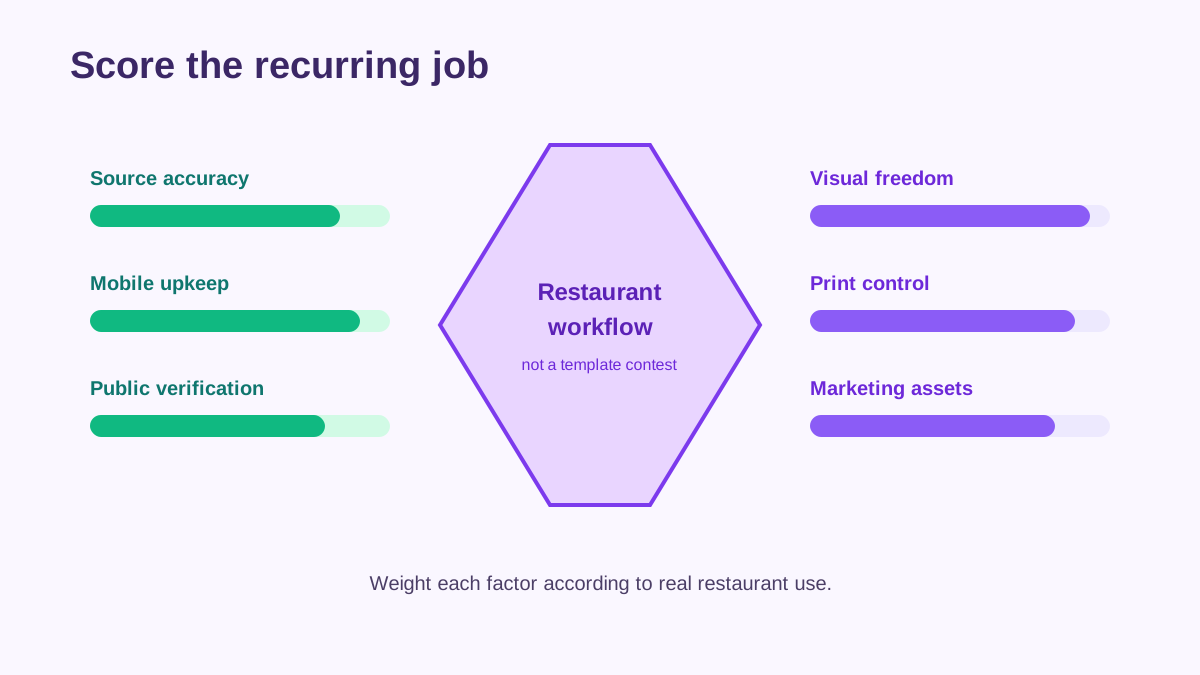
Choose the model that matches the recurring job. If staff change prices weekly, editing structured fields can be safer. If a designer produces a fixed menu for print once per season, a page-layout tool may be more natural.
Mobile guest experience versus print production
aiMenuu's natural output is a mobile menu opened from a link or QR code. Review loading, category navigation, text size, price association, image behaviour and the longest menu on an ordinary phone. Test while signed out and on a weak connection.
Canva's official workflow highlights print-ready PDF export as well as online sharing. Check page size, margins, bleed requirements, image resolution and printer specifications before ordering copies. A PDF that looks good on a laptop may be uncomfortable to browse on a phone.
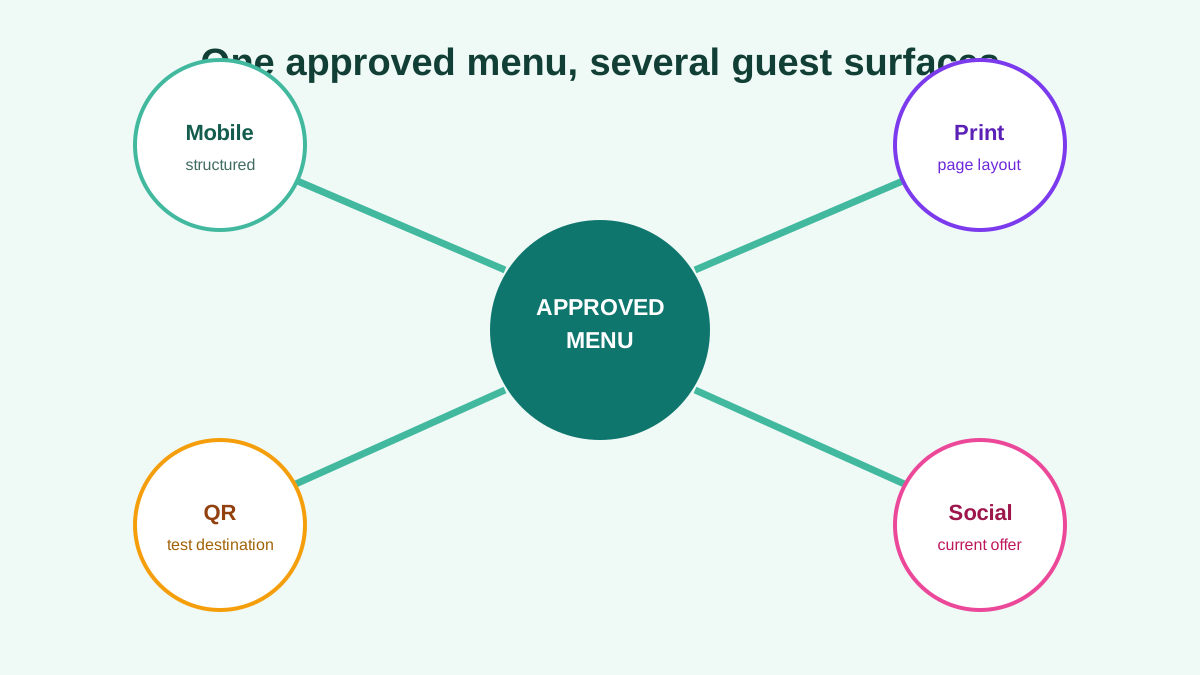
Restaurants often need both. Use one approved content source, then create a mobile presentation and a print layout intentionally. Do not assume an edit in one file automatically updates the other. Our digital menu board and QR menu comparison explains why outputs need separate ownership.
Updates and change control
Before editing, create a change list with the old value, approved new value, effective service and approver. Update the guest-facing menu, then follow every QR code and website link to confirm the public result.
In aiMenuu, the team should review the structured draft category by category before publishing. In Canva, the team should check every page and duplicated design element after an edit. A price copied into several text boxes creates more places for an old value to remain.
The restaurant menu change-log guide provides a lightweight approval record. The tool matters, but a named menu owner and second-person public check matter more.
Photography, stock media and accuracy
Canva offers a large library of stock photos and graphics. Use those assets for decoration only when they do not imply that a pictured dish is actually served. A guest should not mistake an aspirational image for the restaurant's product.
For either workflow, photographs representing a menu item should show the real dish or be clearly identified as illustrative. Review garnish, portion, vessel and colour. Compress files for the web without making text or food details unclear.
AI-generated descriptions and images also require review. Do not infer ingredients, allergens, origin, sustainability or preparation from a name or photograph. Have the kitchen confirm every substantive statement.
Collaboration and approvals
Canva provides collaborative design features, while aiMenuu focuses the review around menu content and publishing. The right model depends on who edits and who approves. A restaurant may have a designer, chef, operations lead and shift manager with different responsibilities.
Limit editing access to people who need it. Create an approval checkpoint for price and food information, then a separate design and usability check. A comment or draft status does not prove the public menu has changed.
For seasonal launches, assign the publication time and the person who will test the table QR code during the first service. The seasonal changeover guide shows how to coordinate guest and staff information.
Cost comparison
Compare the maintained year, not a free-template headline. Include the Canva plan required for the templates, stock media, brand controls, export features and collaboration you will use. Include printing, reprints and staff design time.
For aiMenuu, include the current subscription or purchase terms, menu setup time, content review, QR materials and the work of keeping the mobile destination accurate. Check the live offer before deciding because plans and limits can change.
The least expensive option is the one that reliably produces the required output with manageable correction and maintenance work. A free design that causes repeated reprints can cost more than a paid workflow. A mobile system is poor value if nobody owns updates.
Final recommendation
Choose aiMenuu for a source-to-structured-mobile-menu workflow, especially when content begins as a PDF or photographs and must become editable for phone-based guests. Choose Canva for visual design and print production when the restaurant needs template breadth and precise page composition.
Use both only with a clear source of truth. Approve content first, then publish each output and verify it. The correct tool is the one your team can update without leaving an old price, missing dish or inaccessible menu in another channel.
Frequently asked questions
Can Canva create a restaurant menu?
Yes. Canva's official restaurant menu maker provides templates, drag-and-drop design, stock media, collaboration and print-ready PDF export. Review the current plan for premium assets and features.
Can aiMenuu turn a PDF menu into an editable mobile menu?
aiMenuu is designed to import an existing PDF or menu photographs into editable content. Treat extraction as a draft and verify every item and price before publishing.
Which is better for QR menus?
aiMenuu is the more direct fit for a structured mobile menu reached by QR code. Canva can design a menu and QR graphic, but test the destination and phone reading experience separately.
Should a restaurant use both?
It can use aiMenuu for the mobile menu and Canva for print or marketing layouts, provided one approved content source and a clear update process keep the outputs consistent.