
Menu software comparisons
aiMenuu vs MENU TIGER: Which Restaurant Menu Workflow Fits?
Compare aiMenuu and MENU TIGER by menu setup, guest experience, publishing scope, operations, maintenance, cost and restaurant fit.
aiMenuu Editorial Team · October 26, 2026 · 10 min read

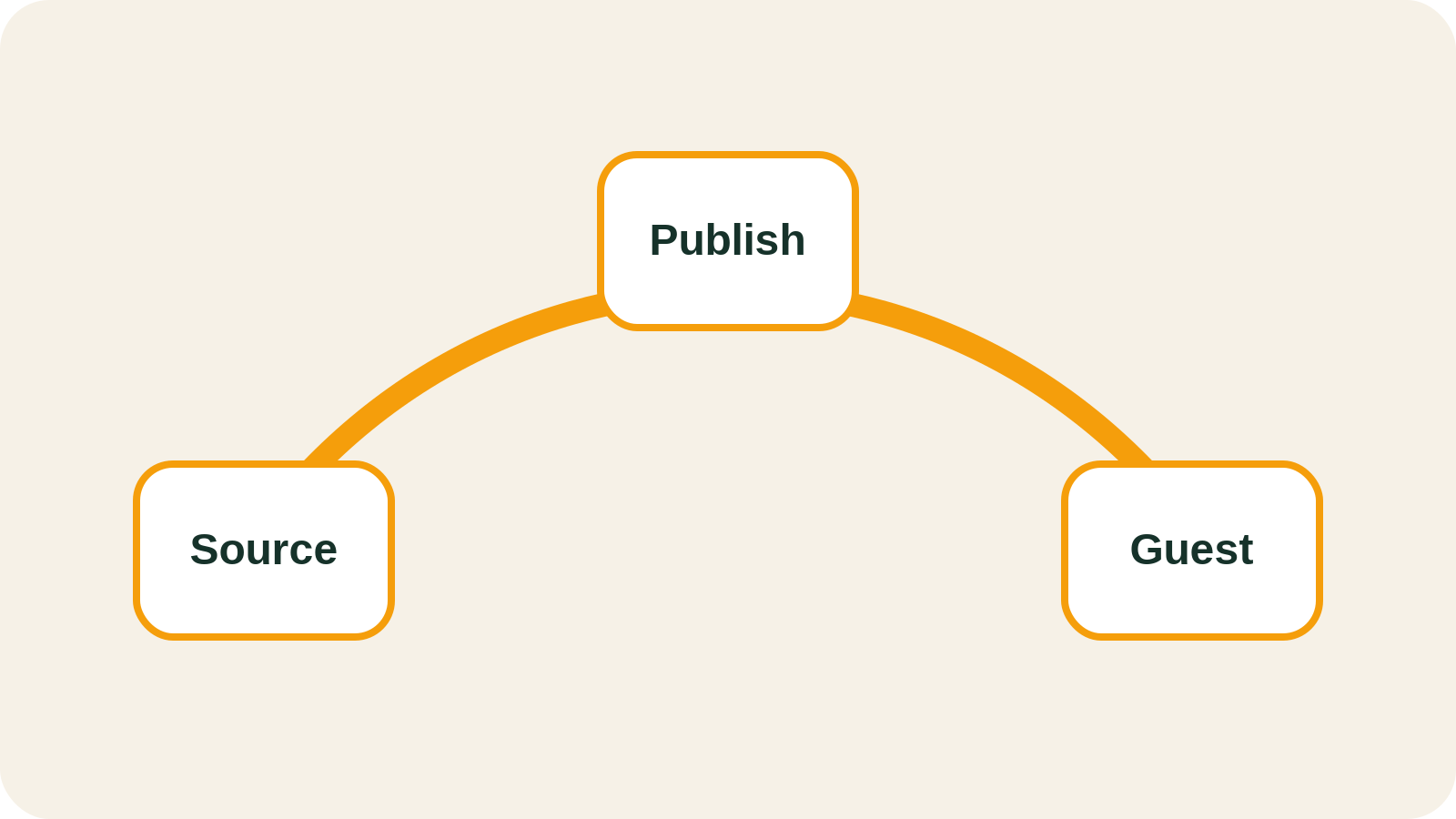
aiMenuu and MENU TIGER both put restaurant information in front of guests, but they solve different operating problems. The AI menu maker route in aiMenuu focuses on importing existing menu material, reviewing the structured result and publishing a mobile menu behind a stable QR code. MENU TIGER is a restaurant operations platform built around QR menus, ordering, dashboards, payments, analytics and POS connections.
Quick answer: focused menu publishing or a wider restaurant platform
Choose aiMenuu when the immediate job is to turn approved menu material into a clear mobile menu, review it and keep the published menu current. Choose MENU TIGER when the restaurant specifically needs restaurants that want guests to order through the menu and teams that plan to manage transactions and operational data inside the same platform.
The two products therefore overlap at the guest-facing menu but differ around it. A smaller workflow can reduce setup and training. A broader system can consolidate operations, but only when the restaurant will use and maintain those additional functions.
Do not score a platform on a feature that is not included in the tested plan, region or integration. Record the test date, account tier and actual screens used so the comparison remains auditable.
Start with one approved source of truth
Export one current menu from the restaurant’s controlled source. Mark the effective date, currency, service period and responsible approver. Include item names, descriptions, prices, option rules, dietary statements and availability only after staff have checked them.
Use the same source in both systems. If one product imports a PDF or photograph while another expects structured entry, record the preparation time and every manual correction. Import speed matters less than the accuracy of the published result.
A disciplined stable QR menu workflow prevents staff from changing the guest-facing page without updating the underlying operational record. Name the owner of every change and keep the previous approved version.
What MENU TIGER currently emphasizes
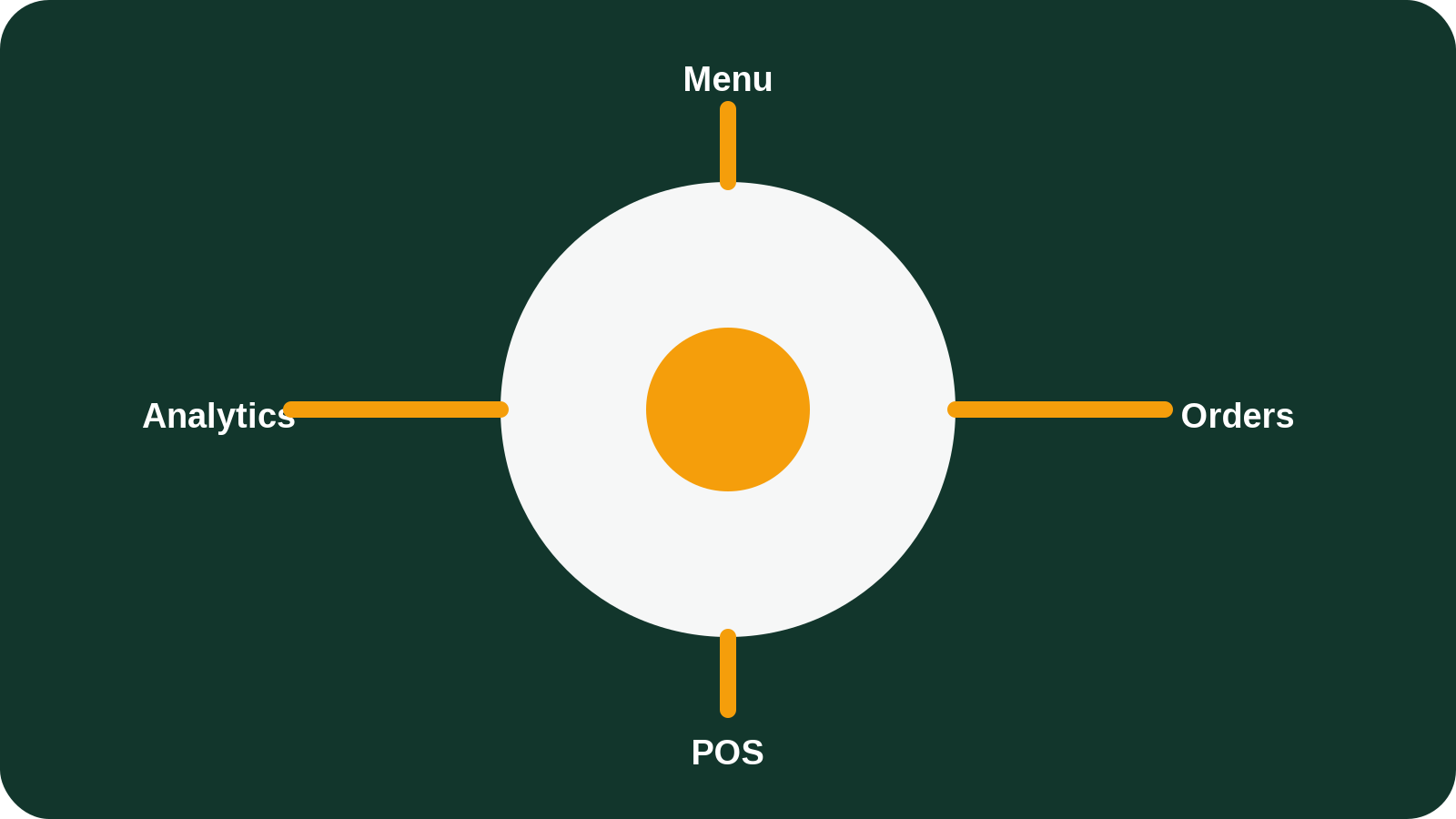
MENU TIGER’s current official feature page describes QR menu creation, restaurant websites, customer ordering, order and sales dashboards, purchase analytics, payment options and POS integration. Those functions go well beyond simply publishing a mobile menu.
That wider scope can be valuable for restaurants that want guests to order through the menu and teams that plan to manage transactions and operational data inside the same platform. It also creates additional decisions about integrations, staff roles, data ownership, support and change control.
Treat marketing claims as a starting point for a trial. Build a test menu with modifiers, a long dish name, a sold-out item, a dietary note and a price change. Ask the vendor how those records move across outputs and what happens if an integration is unavailable.
Compare setup and publishing effort
Time the complete route from source file to approved guest page. Include import or entry, cleanup, category order, image preparation, review, QR placement and final testing. Do not stop the clock at the first preview.
With aiMenuu, test structured import from the restaurant’s existing PDF, photo or text, then inspect every extracted field before publishing. Use the create-menu workflow for the test rather than rebuilding a polished sample from scratch.
With MENU TIGER, include any website, ordering, print, allergen, translation or marketing setup required for the intended use. The extra work may be justified, but it belongs in the comparison.
Test the guest experience on real phones
Open the menu from the table QR code on a small phone, a large phone and a slower connection. Check first load, text size, contrast, category navigation, image crops and whether essential information appears before decorative content.
Ask a person who did not build the menu to find three items, compare two prices, identify one dietary statement and return to the correct category. Observe the path instead of explaining it. Confusion in a test becomes delay during service.
Use the mobile menu design checklist to verify scan distance, fallback URL, lighting, damaged-code behaviour and placement. Keep the permanent destination stable when content changes so table materials do not need to be reprinted.
Separate publishing from ordering and operations
aiMenuu is designed around menu creation and mobile publishing; it should not be treated as a POS, payment, inventory or ordering system. MENU TIGER may cover some of those broader jobs according to the selected product and plan.
Write the required system boundary before purchase. If the restaurant needs guests only to browse, a focused menu can be easier to run. If it needs orders, payments, loyalty or analytics, test the entire transaction and support chain rather than assuming a menu page completes it.
For integrations, identify the owner of item IDs, prices, taxes, modifiers, availability and refunds. Confirm how failures are detected and how service continues when a connected system is offline.
Review governance, allergens and translations
Software can store and display information, but responsible restaurant staff must verify legal names, ingredients, allergens, dietary statements and translations. Automated extraction, detection or translation should enter a review queue, not publish without approval.
Define who may edit, who approves and when the guest view is checked. For multiple locations, clarify which fields are shared and which remain local. A global edit should not silently overwrite a valid location-specific price or availability rule.
Keep a release note for material changes and schedule a visual check after publishing. Search engines, embedded links and cached pages can expose old information if redirects or duplicate menu URLs are poorly managed.
Compare maintenance and total cost
Calculate subscription or usage fees from current official pricing, then add staff time for onboarding, data cleanup, image work, integrations, training, updates, review and support. Use accepted published menus as the denominator rather than the number of imported files.
A broader platform may replace several services and justify more setup. It may also become expensive or difficult to change when the restaurant uses only a small part of it. A focused product may require separate systems for ordering or marketing but keep responsibilities clearer.
Run one realistic change after launch: raise a price, mark an item unavailable, replace an image and restore the previous version. Measure the time and number of people involved.
A fair 45-minute pilot
Choose one representative menu page and define five acceptance checks. Build it in both products with the same source. Allow one correction round, publish to a test destination and scan from a printed QR code.
Score source accuracy, cleanup time, mobile readability, update speed, governance, required integrations, guest friction and monthly operating effort. Weight the criteria before seeing the results.
Choose aiMenuu when the focused import-review-publish path meets the requirement with less operational overhead. Choose MENU TIGER when its wider capabilities are necessary and the restaurant can staff, govern and support them.
Final recommendation
aiMenuu is the clearer fit for restaurants that need a focused route from existing menu material to a maintained mobile menu. MENU TIGER is the stronger candidate for restaurants that want guests to order through the menu and teams that plan to manage transactions and operational data inside the same platform.
The decision should follow the restaurant’s service model, systems and staffing. Pilot the hard cases, preserve the approved source and verify the live guest page after every material change.
People also ask
Frequently asked questions
Is aiMenuu an ordering or POS system?
No. aiMenuu focuses on creating and publishing a mobile menu; do not treat it as ordering, payment, inventory or POS software.
When is MENU TIGER the better fit?
It is the stronger candidate when the restaurant needs QR ordering and broader restaurant operations features in the selected plan.
Can both use one permanent QR code?
Test the exact publishing setup. aiMenuu is designed to keep a stable menu destination while content changes behind it.
How should a restaurant compare them?
Use the same approved menu, test on real phones, include setup and maintenance time, and verify every broader integration.