
Menu building
How to choose a restaurant menu maker
Choose a restaurant menu maker by testing import accuracy, editing control, mobile readability, QR publishing, ownership, and total cost.
aiMenuu Editorial Team · September 20, 2026 · 11 min read
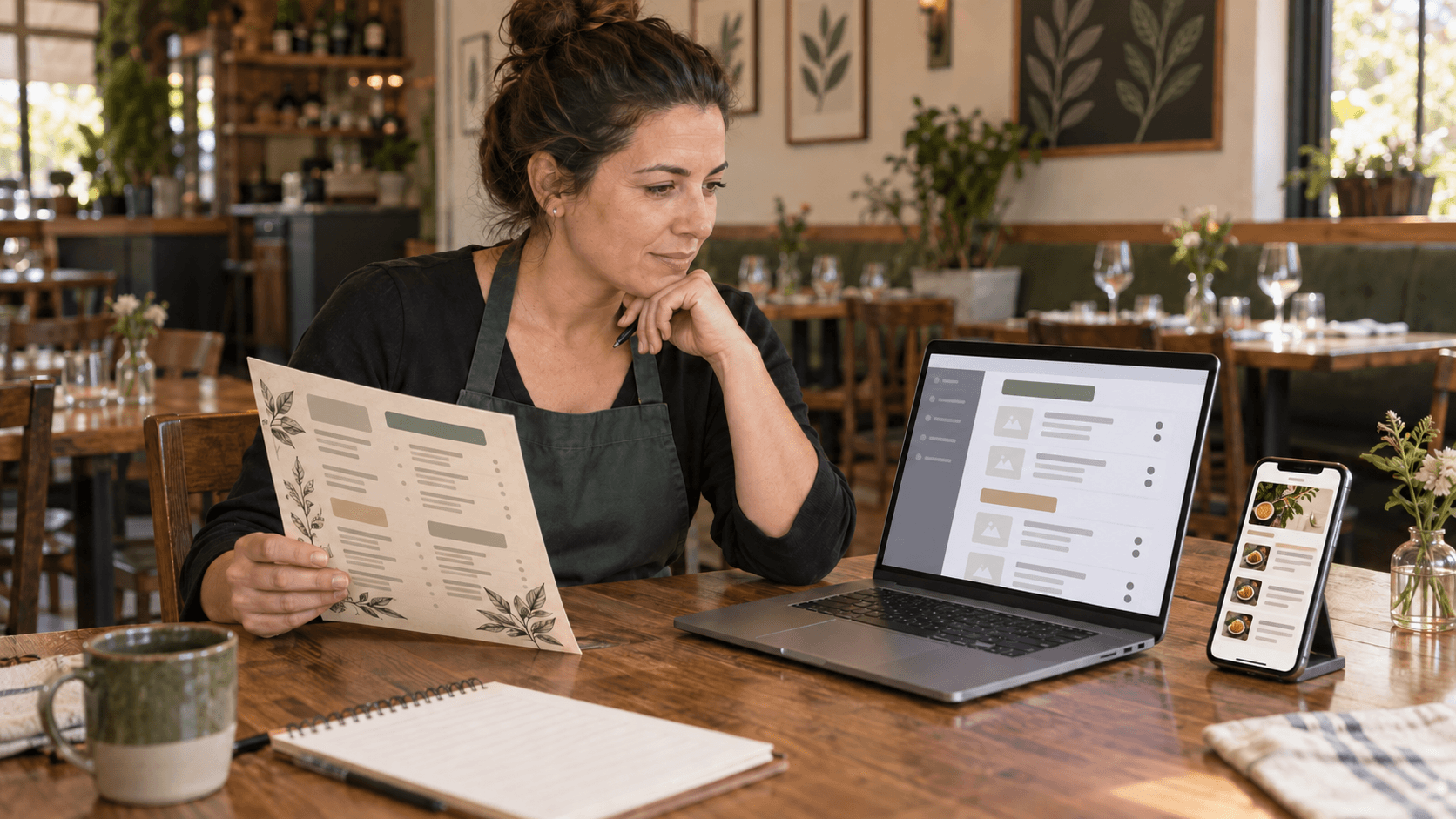
Choose a restaurant menu maker by running one real menu through the complete workflow: import the source, correct the structured content, test a layout with difficult items, publish a mobile page, and open it from the final QR destination. The best tool is not the one with the longest feature list. It is the one that helps an owner move from an approved source to an accurate, readable, maintainable public menu without turning the project into an ordering, payment, or website-development system.
Define what the restaurant menu maker must produce
Start with the output, because products that use similar language can create very different results. One tool may produce a flat poster or PDF, another may publish an ordering storefront, and another may create a responsive menu page meant for browsing. An independent restaurant that wants guests to scan, read, and compare current items needs a structured mobile menu rather than an image that merely looks attractive on a large screen.
Write a one-sentence job before comparing products. A useful version is: convert our approved existing menu into an editable mobile page that staff can update and guests can open without an account. Add the non-negotiable details for your restaurant, such as long category lists, multiple prices, dietary tags, a logo, dish images, or a menu that began as several photographs.
Keep the scope disciplined. A restaurant menu maker does not need to process orders, take payments, connect to a POS, dispatch delivery, or manage a kitchen to solve the publishing job well. Extra systems can add setup, training, and ongoing decisions when the immediate need is a dependable public menu. Decide separately whether those systems are actually required.
What should a restaurant menu maker do?
At minimum, it should turn source content into editable categories and items, preserve clear names and prices, support an appropriate mobile layout, and publish a public menu that can be updated later. If QR access is part of the plan, it should also provide a stable destination and a practical way to download and test the code.
Test the import with a real source menu
A sample restaurant tells you almost nothing about the work required for your menu. Test the tool with an owner-approved PDF, a clear set of menu photographs, or the actual text staff uses today. Include the awkward parts: a long dish name, several size prices, an item without a description, a category that crosses pages, and any note whose meaning depends on its placement.
If the product uses AI, evaluate the draft as an extraction result rather than a finished truth. Check whether categories remain separate, descriptions stay attached to the correct items, prices are not moved across rows, and repeated page headers do not become dishes. The AI menu generator comparison explains why editable structured output and an explicit owner review matter more than a confident-looking preview.
Measure the correction burden. Count missing items, misplaced descriptions, uncertain prices, duplicate rows, and category errors. Then correct several of them. A fast import that produces a difficult-to-edit draft may save less time than a slightly slower workflow with clear field-level controls. Never publish an imported result until the restaurant has confirmed the content.
What if the menu is a PDF or a photograph?
Use the exact format the restaurant maintains. A text PDF, a scanned PDF, and a phone photograph create different extraction challenges. If most source files are photos, test page order, glare, shadows, and overlapping content. If the source is a PDF, test whether the tool handles both selectable text and scanned pages without forcing the owner to retype the menu.
Inspect the editing model, not only the visual editor
The menu should be stored as meaningful content: restaurant details, categories, item names, descriptions, prices, tags, availability, and display order. That structure makes routine edits possible and lets the same content adapt to different screen widths. A single canvas or flattened image may be easy to decorate but hard to maintain when a price changes five minutes before service.
Try the actions the owner will repeat. Add an item, move it to another category, correct a price, hide an unavailable dish, replace a photo, reorder two sections, and restore an accidental change. Look for clear saved, unsaved, and error states. If a delayed import or refresh can silently replace owner corrections, the workflow is not safe enough for a live menu.
Check how the tool handles incomplete information. A missing price should be visible and reviewable rather than guessed. Optional descriptions should be allowed to remain empty. Dietary labels should be owner-controlled and used only when the restaurant can support them. The interface should make uncertainty obvious instead of polishing it out of sight.
Judge the public mobile menu on a phone
Preview the complete menu at a narrow phone width, but also open the actual public result when the tool permits it. The restaurant name, major categories, item names, descriptions, and prices should be readable without pinching, horizontal scrolling, or downloading a file. Category links should lead somewhere predictable, tap targets should have room, and images should not cause text to jump while the page loads.
Use stress cases rather than the shortest items. Test the longest name, the widest price, the fullest description, a category with many dishes, an item with several display tags, and enlarged browser text. A layout that succeeds only with ideal sample content is not ready for a real restaurant. The practical readability guide offers a useful set of type, contrast, spacing, and scanning checks.
Confirm that core content arrives as page text, not only after a browser script runs. Meaningful server-rendered HTML is easier for guests to access on weak connections and gives search engines a stable representation of the published menu when the owner chooses indexing. The public page should also have a clear title, description, canonical address, and an honest social preview.
Test the QR code menu as a complete path
A QR code menu is more than the square graphic. It is the entire path from a printed prompt to the public page. The code should open the menu directly over HTTPS, without an app installation, account, advertisement interstitial, editor session, or file download. The first screen should identify the restaurant and make the main menu sections easy to reach.
Ask whether the destination can remain stable when the owner corrects a price, changes a photograph, or chooses a different layout. Routine content changes should happen behind the maintained address so table cards do not become obsolete. If the visible menu URL changes later, the tool should explain what happens to codes already in circulation and whether a durable redirect protects them.
Download the production code and test the printed result, not only the on-screen preview. Use the intended size, contrast, material, lighting, distance, and placement. Scan with several phones and both Wi-Fi and mobile data. The QR code menu guide covers quiet space, proofing, labels, backup access, and placement in more detail.
Should a menu change require a new QR code?
Usually no. When the code points to a stable public menu address, the owner can update and republish the content while the printed code continues to reach that address. A replacement should be necessary only when the destination must change or the printed code itself is damaged, too small, low contrast, or unreliable.
Choose a layout with the full menu loaded
A template is useful only when it supports the restaurant's real information. Load every active category and enough representative items before deciding. Compare image-led and type-led options, but do not let decorative style outrank legibility, hierarchy, or the effort required to keep content current.
Use a menu template as a starting system rather than a promise that no judgment is needed. Check heading levels, category navigation, item spacing, price alignment, image crops, logo contrast, and how the header behaves on a small phone. A strong template should accommodate short and long sections without making the restaurant rewrite accurate content merely to fit the design.
Ask whether changing the layout preserves the underlying menu. Owners should be able to compare styles without losing items or duplicating the source of truth. When a template switch changes content, prices, or publication state, visual experimentation becomes a data risk instead of a presentation choice.
Keep restaurant branding portable and honest
Confirm which brand assets the restaurant controls: its name, logo files, colors, photography, and identity line. The menu maker should accept a suitable logo and keep the restaurant name as readable text. Test the full mark and a compact crop on a phone, then hide the logo temporarily to see whether the layout still gives the restaurant name appropriate prominence.
If the restaurant has no usable mark, an AI logo maker can support that separate visual-branding task. Export an owner-controlled file and review it for originality, legibility, and consistent use before uploading it. aiMenuu can display a restaurant logo inside the menu, but it is not a logo-creation service, and a new logo is not required to publish a clear mobile menu.
Use current, representative photographs only when they help a guest understand the menu. Confirm that the restaurant owns or is licensed to use each image. Test crops on the smallest screen and keep alternative text useful. A coherent set of a few images is more credible than a crowded layout built from unrelated stock photography.
Check ownership, access, privacy, and recovery
Before investing time, learn who can access the private draft and who owns the published content. Restaurant-scoped information should not be visible to another customer. Uploaded source menus and AI output should be treated as untrusted, validated before publication, and protected from public access unless the owner deliberately publishes the result.
Ask what happens if an import fails, a browser closes, a payment lapses, or a team member makes the wrong edit. A recoverable workflow preserves the approved menu and does not erase it because a new extraction failed. Important actions should identify which menu and restaurant they affect, and destructive actions should require an appropriate confirmation or undo path.
Understand export and continuity. Keep copies of the approved source, current logo, photography, and final public address. The restaurant should not rely on an undocumented preview link as its only record. If the tool stores editable drafts only in a particular browser or account stage, that limitation should be clear before the owner begins a long review.
Compare total cost with the maintenance work included
Compare like with like. Record setup cost, subscription or publication fees, template charges, storage or image fees, custom-domain requirements, QR production, and the staff time needed to correct and maintain the menu. A low advertised price may not be the lowest-cost option if every routine edit requires outside help.
Separate necessary value from unused features. A focused menu maker can be a better fit than a broad restaurant platform when the owner needs import, editing, mobile publishing, and QR access but not ordering or POS functions. Conversely, a restaurant that truly needs a larger operational system should evaluate it as that larger system rather than expecting a menu builder to become one.
Use the digital menu cost guide to build a first-year comparison without assuming revenue or conversion gains. Traffic, menu views, signup, import completion, publication, and paid conversion are different measures. Do not claim that a tool improves sales unless approved analytics and a suitable comparison support that conclusion.
Is the cheapest restaurant menu maker the best choice?
Not automatically. The relevant cost includes owner time, correction effort, republishing reliability, QR replacement risk, and the ability to maintain the menu without a specialist. Choose the least expensive option that passes the restaurant's real workflow and ownership requirements, not simply the plan with the smallest headline number.
Run a short restaurant menu maker scorecard
Use a small scorecard so a polished demo does not control the decision. Rate source compatibility, import accuracy, correction time, category and item controls, mobile readability, accessibility, page speed, template fit, branding, stable publishing, QR behavior, ownership, recovery, support, and total cost. Mark a requirement pass, concern, or fail and attach one observation from the real test.
Give extra weight to the steps nearest the intended outcome. For aiMenuu's audience, import completion, accurate owner review, successful publication, and a working QR-to-menu path matter more than raw feature count. Page traffic alone does not show that an owner finished those steps, and a beautiful draft does not show that guests can reach the published page.
Disqualify a product when a core requirement fails. Examples include publishing only a zoomable image, hiding basic corrections behind support tickets, replacing owner edits during reprocessing, sending a QR scan through an advertisement, or requiring ordering setup for a browse-only menu. A weighted score should clarify judgment, not excuse a serious failure.
Complete one import-to-publish trial
The final evaluation should mirror a real launch. Choose the approved source, import your existing menu, review every category and item, correct descriptions and prices, select a layout, add only controlled brand assets, and preview the complete result on a phone. Keep a short issue list and resolve each item rather than assuming it will disappear after publication.
Publish to the intended public address, then open the page while signed out. Check the restaurant identity, category navigation, difficult items, metadata, social preview, and page behavior with enlarged text. Print a small QR proof, scan it on more than one device, and confirm that it reaches the same canonical menu. The live mobile menu example shows the kind of guest-facing result to inspect.
If that complete path works, the tool has demonstrated value for the job. To test aiMenuu, start with the restaurant menu maker, use a real PDF, image, or text source, review the editable draft, choose a mobile layout, and publish only after the owner confirms the result. The honest conversion path is the same as the product test: signup, import, review, publish, and verify the live menu.
What should the owner verify before paying?
Verify that the real source can be imported, the draft can be corrected efficiently, the chosen layout handles difficult content, the public destination is understandable, and pricing covers the required publication and maintenance workflow. If a paid step is required before the live URL or final QR can be tested, confirm the refund, cancellation, and access terms before proceeding.