
AI menu creation
How to choose an AI menu generator for your restaurant
Compare AI menu generators by import accuracy, owner review, mobile readability, publishing, and the complete path from source menu to live page.
aiMenuu Editorial Team · August 23, 2026 · 11 min read
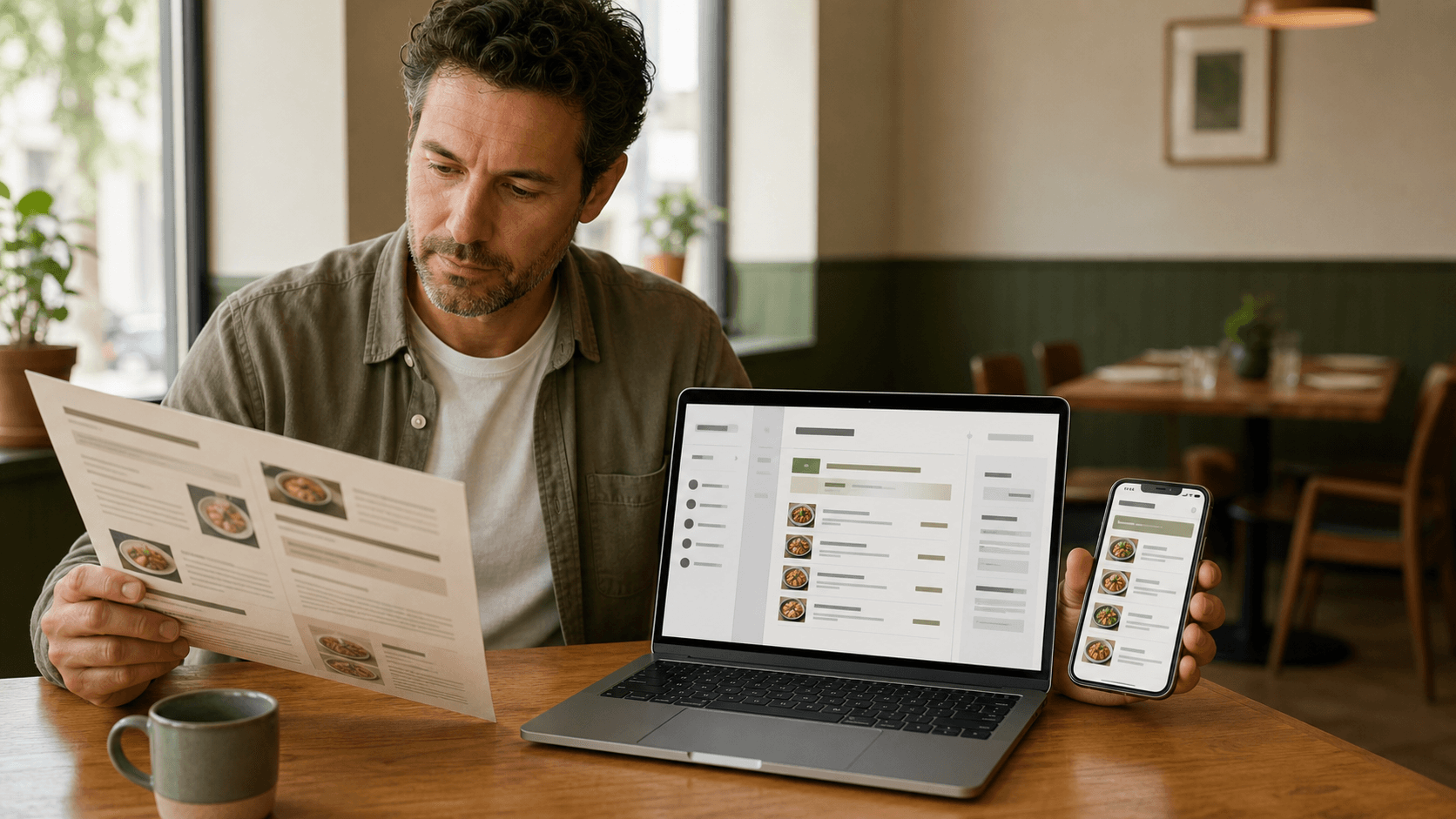
Choose an AI menu generator by testing the complete restaurant workflow: importing a current menu, checking the extracted dishes and prices, correcting the draft, previewing it on a phone, and publishing it to a stable web address. A useful tool should reduce retyping without asking the owner to surrender accuracy or control.
What should an AI menu generator do?
An AI menu generator for a restaurant should turn an existing menu source into structured, editable content and help the owner publish that content in a useful format. At minimum, the workflow should recognize categories, item names, descriptions, and prices; preserve their relationships; present the result for review; and produce a menu that guests can read comfortably on a phone.
The phrase can describe very different products. Some tools create a flat menu image from a prompt. Others supply a decorative starting layout. A restaurant-focused generator may extract a PDF or menu photo, create editable records, and publish a live mobile page. Those outputs are not interchangeable. A picture may be suitable for inspiration, but it is awkward to correct, search, resize, or keep current. Structured content can be edited one item at a time and rendered for different phone sizes.
Start by writing the desired result in one sentence. For example: 'Turn our current two-page menu into an editable mobile menu that we can review, publish, and update without replacing the table QR code.' That statement makes product comparisons much easier because it identifies the job rather than the novelty of the AI feature.
Is an AI menu generator the same as a design generator?
Not always. A design generator primarily proposes appearance, while a restaurant menu generator should also understand and preserve menu information. If the restaurant already has an approved menu, accurate import and editing usually matter before visual experimentation. The design can change later; an incorrect dish name or price must be fixed before publication.
Start with the restaurant job you need to complete
Different restaurants arrive with different starting points. One owner has a clean PDF from a designer. Another has five phone photos of a folded menu. A cafe may have a short typed list, while a family restaurant may have a dense bilingual menu with several price columns. The right generator must accept the source you actually maintain, not the perfect file shown in a product demonstration.
List the required steps from source to guest. A common path is import, extraction, review, organization, styling, phone preview, publication, and QR testing. Mark which steps the restaurant can handle confidently and which ones consume time or create mistakes. If retyping prices is the main problem, extraction accuracy deserves more weight than a large design gallery. If the content is already structured, editing and mobile presentation may matter more.
Keep the scope practical. A menu generator does not need to become an ordering, payment, delivery, POS, or kitchen system to solve menu publishing well. Extra modules can make a product look comprehensive while adding setup the restaurant does not need. Evaluate the workflow that ends with a clear, current public menu.
Require import options that match your source menu
Look for support for the file types the restaurant can produce reliably. PDF import is useful when the current menu exists as an exported document. Image import matters when the only current copy is printed or photographed. Ordered multi-image import is important for menus spread across several panels because page order and category continuity affect how items are interpreted.
Use the newest owner-approved source. Do not combine old and current prices, duplicate photographs of the same panel, or seasonal pages that are not meant for the same live menu. Straighten paper, use even light, avoid glare, and capture every edge. Better source material improves the chance of a complete draft, but the tool should still explain when a file is too small, blurry, unsupported, or ambiguous instead of pretending that uncertain content is correct.
The guide to turning a printed menu into a mobile menu explains how to prepare source pages and move from a flat document to structured content. Use that preparation even when the generator promises automatic extraction. AI can reduce manual entry; it cannot make an outdated source authoritative.
Can you use phone photos?
Yes, when the tool accepts images and the photographs are readable. Use the phone's main camera, hold it parallel to the page, fill the frame without cutting off corners, and check small prices at full size before uploading. Photograph multi-page menus in reading order. If text is still difficult for a person to read, it is not a dependable extraction source.
Test extraction accuracy with difficult real content
Do not evaluate a generator only with a short sample menu. Choose one representative page containing the cases most likely to break: decorative headings, two or three columns, long dish names, faint decimals, multiple sizes, item numbers, descriptions that continue on a second line, and a category that crosses a page boundary. If the restaurant uses more than one language, include the actual scripts and punctuation it needs to preserve.
Compare the draft with the source line by line. Count missing and duplicated items. Check whether descriptions remain attached to the correct dishes and whether a nearby amount has moved to the wrong row. Review $8 versus $18, 6 versus 8, commas versus decimals, and small size labels carefully. A plausible-looking result can still be operationally wrong.
Accuracy should be judged by correction effort, not by whether the first screen looks polished. Record how many category, name, description, and price fields need changes and how long the review takes. That small test gives the owner useful evidence for comparing two tools without claiming that either system is universally accurate.
What if a price cannot be read?
The safest behavior is to flag the field for review or leave it unresolved. The tool should not invent zero, copy a nearby amount, or quietly omit the item. The owner can return to the approved source or ask the person responsible for pricing. One honest uncertainty is easier to correct than a confident wrong price hidden inside a finished design.
Insist on a reviewable, editable draft
AI output should be the beginning of review, not the end of approval. The owner needs to edit categories, dishes, descriptions, prices, availability, and order before anything becomes public. Each field should remain normal text and structured data rather than being baked into a picture. That makes small corrections possible without regenerating the whole menu.
Check how the tool handles a second import or retry. A delayed extraction should never erase owner corrections. The source file, processing status, extracted draft, and approved menu are different states; a trustworthy workflow makes those boundaries clear. Look for visible saving and error states so the owner knows whether a correction actually persisted.
Run one realistic edit test. Correct a price, move an item to another category, add a missing description, rename a section, and hide an unavailable dish. Then close and reopen the menu. If the changes are hard to make, difficult to verify, or lost between screens, the product has not eliminated the manual risk—it has only moved it.
Judge the mobile menu, not just the AI result
A correct extraction can still become a poor guest experience. Open the finished preview at a narrow phone width and check whether the restaurant name appears clearly, category navigation is understandable, item names wrap naturally, descriptions remain legible, and every price stays visibly connected to its dish. Guests should not need to pinch, zoom, download a PDF, or install an app to read ordinary menu content.
Test the longest category, longest dish name, longest description, widest price, and section with the most items. Enlarge browser text and look for clipping, overlap, horizontal scrolling, or controls that become difficult to tap. If the menu uses photos, verify that their crops are consistent and that real text still carries the dish information.
Use a live mobile menu example to evaluate the final reading experience rather than relying on editor screenshots. A product should show that its output remains useful after publication, including when a phone is small or a connection is imperfect.
Does the tool need many designs?
It needs enough suitable choices, not the largest possible catalog. Start with one menu template that fits the restaurant's content density, photo coverage, type needs, and brand character. A smaller set of reliable mobile layouts is more valuable than hundreds of decorative options that break with long names or complex prices.
Check the path from preview to publication
Ask what happens after the owner approves the menu. A useful product should publish to one stable HTTPS address that opens the actual restaurant menu. The public page should not be a temporary editor preview, an expiring file link, a login screen, or a static screenshot. The owner should be able to preview the exact content before making it live.
Then test updating. Change one item, publish the revision, and open the public address again. Confirm that the new content appears and that the previous draft did not leak before approval. The mobile menu publishing features should explain how import, editing, styling, publication, and QR access connect so the owner can evaluate the complete workflow before paying.
A public menu also benefits from basic web quality: a descriptive page title, a canonical address, meaningful server-rendered text, accessible headings, and real links. These details help the page work without depending on a fragile browser effect and give restaurants a durable destination they can share from their website or business listings.
Confirm that the QR code stays useful after updates
A restaurant QR code should point to a stable address controlled by the menu service. The code stores the destination, not every dish and price. That means the restaurant should be able to update the live content without reprinting the code on tables, counters, windows, or takeaway materials.
Ask whether the public URL can change and what happens to previously printed codes. The safest setup preserves the original QR destination through a stable redirect or equivalent permanent route. Scan the code before launch, after the first publication, and after a test update. Use both the phone camera and the actual table-card size when possible.
The restaurant QR code menu guide covers destination choice, placement, sizing, contrast, and post-publication checks. A generator that merely downloads an image of a code but does not protect the destination leaves the restaurant responsible for a fragile link.
Review ownership, privacy, and data handling
A menu may contain business contact details, unreleased prices, source artwork, and photographs. Before uploading, read how the provider stores source files, who can access private drafts, whether files are used to train shared systems, how long they are retained, and how the restaurant can remove them. Policies should distinguish private imports from intentionally public menu content.
Keep account access separate for each restaurant or authorized team. A signed-in owner should never be able to open another restaurant's private menu by changing an address or identifier. Uploaded files should be validated, stored behind controlled access while private, and delivered publicly only when the owner chooses to publish approved content.
Also clarify ownership of edits and generated assets. The owner should remain responsible for approving factual menu content. If the product can create dish images, use them only when they accurately represent the item and when the restaurant is comfortable with the provider's terms. AI imagery should never be presented as proof of the exact portion a guest will receive.
Understand price, limits, and the real time saved
Compare cost against the complete job, not one feature label. Check whether import, editing, mobile layouts, publication, QR download, custom images, additional menus, and future updates are included or separately limited. Note whether a free preview can be published, whether the public menu disappears after cancellation, and whether an annual plan actually fits the restaurant's expected use.
Estimate the labor that remains. Count source preparation, extraction review, corrections, template setup, phone testing, and final approval. A tool may extract quickly but require awkward reformatting later. Another may take slightly longer to process yet produce structured content that is much faster to verify and maintain. Use the trial page to measure the restaurant's own workflow rather than relying on a generic time-saving claim.
Do not treat a low introductory price or a large AI credit count as evidence of value. The useful outcome is an accurate menu the restaurant can publish and update confidently. If a critical capability requires a higher plan, include that amount in the comparison before migrating the entire menu.
Use a practical AI menu generator scorecard
Score two or three finalists against the same real source. Use a simple one-to-five scale for source compatibility, category accuracy, item accuracy, description coverage, price accuracy, correction speed, mobile readability, template fit, publishing clarity, QR permanence, privacy terms, support, and total cost. Give accuracy, owner review, and mobile output more weight than visual novelty.
Add one sentence of evidence beside every score. Write 'all 42 items appeared, but three descriptions moved to the next dish' instead of 'extraction was good.' Write 'the longest price stayed attached to its item at 390 pixels' instead of 'mobile friendly.' Specific observations make the decision easier to explain and repeat.
Finish with a go/no-go test. The generator passes only if the owner can trace every public field to an approved source, make corrections without regeneration, preview the final phone layout, publish deliberately, and verify the stable live destination. A high score in one impressive AI step should not compensate for a broken handoff later.
What should you test first?
Start with one difficult but representative page and one routine edit. That is enough to expose many important differences without committing the full menu. If the first test succeeds, import the remaining pages in their correct order, review the complete category structure, and repeat the phone and publication checks.
Watch for common warning signs
Be cautious when a product shows only polished sample menus but no editable extraction review; claims perfect accuracy; turns the menu into one flat image; hides prices or long descriptions to protect the layout; publishes immediately after import; or makes it difficult to find the permanent public URL. These patterns favor the demonstration over the restaurant's responsibility to publish correct information.
Other warning signs include unclear file-retention terms, no explanation of plan limits, a QR code tied to an expiring or temporary link, and a mobile page that depends on horizontal zoom. Reject any workflow that asks the owner to shorten accurate names, remove useful descriptions, or accept an incorrect price merely to fit a design.
Finally, be wary of capabilities that drift away from the task. A restaurant seeking a better mobile menu should not need to adopt customer ordering, payment processing, delivery, or POS software as a condition of publishing. Those may be separate business decisions; they are not proof that the menu generator handles import, review, and mobile presentation well.
Follow a safe import-to-publish workflow
First, collect the current owner-approved PDF, images, or text and remove outdated duplicates. Second, import a representative page and review every extracted category, dish, description, and price. Third, correct the draft and confirm that changes persist. Fourth, import the remaining source in reading order and organize the complete menu around familiar guest-facing categories.
Fifth, select a mobile style using real content. Check the longest items, enlarge text, and test the preview on a narrow phone. Sixth, proofread the final rendered menu in separate passes for content, consistency, layout, and destination. The restaurant menu proofreading checklist is useful here because editor fields alone cannot reveal every wrapping or publication problem.
Seventh, publish to the confirmed public address, generate the permanent QR code, and scan it from the intended material. Eighth, make one controlled update and verify that the same code reaches the revised menu. Record the approval date and keep the source used for comparison. This sequence lets AI remove repetitive entry work while the restaurant retains final authority.
Choose the tool that protects accuracy and momentum
The best AI menu generator is not the one that produces the most dramatic first screen. It is the one that helps a restaurant move from a real source to an accurate, editable, readable, and maintainable public menu with fewer opportunities for information to become lost or wrong.
Use product-intent questions to compare the full path: Can it import our current source? Can we see uncertainty? Can the owner edit everything? Does the final menu work on a phone? Can we publish deliberately? Will the QR code survive routine updates? Are limits and data handling clear? A tool that answers those questions well is more useful than one that offers AI as a decorative label.
If your current menu is ready, try the aiMenuu AI menu generator with one representative PDF or menu photo. Review the extracted draft, compare a menu template with your real content, and inspect the live mobile result before deciding whether to publish. The goal is straightforward: less retyping, full owner review, and one dependable menu guests can open on their phones.